No products in the cart.
$139.99
Thrustmaster drivers are used to install the MFD panels on your PC and adjust settings such as backlight intensity.
T.A.R.G.E.T is Thrustmaster‘s free programming software, used to program the MFD panels together with your other Thrustmaster controllers (optional).
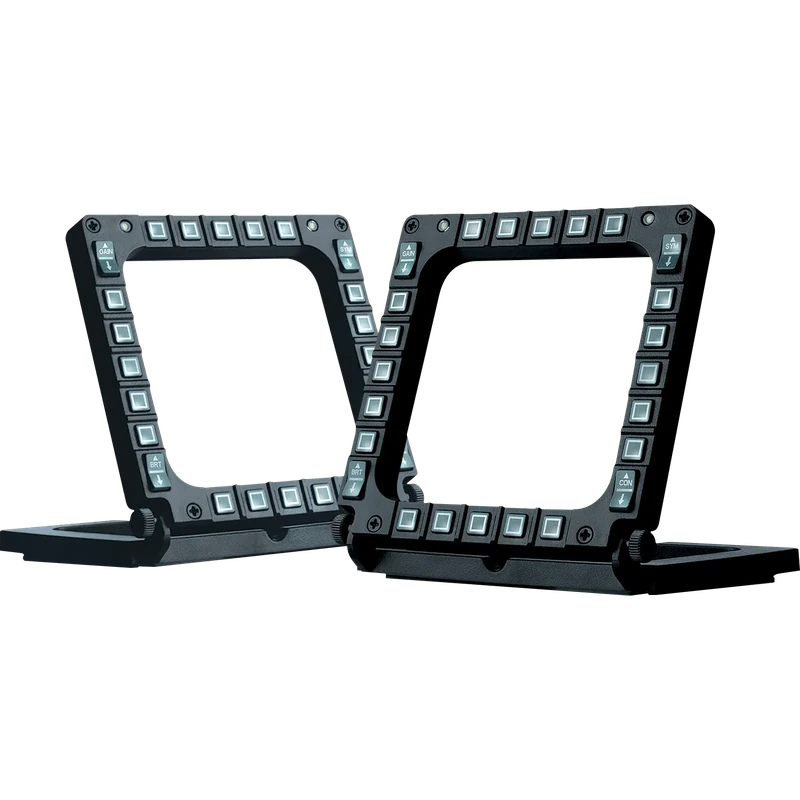
The Thrustmaster MFD Cougar Pack is a set of two Multi-Function Display (MFD) cockpit panels that replace keyboard shortcuts with real flight instrument style controls. Designed as real flight instruments, each panel puts dozens of functions within easy reach, so you can manage radar modes, weapons, navigation or aircraft systems by feel instead of searching for keys. It is the ideal companion for any joystick or yoke, and it works with all flight simulation games, military or civil, that support multiple USB devices.
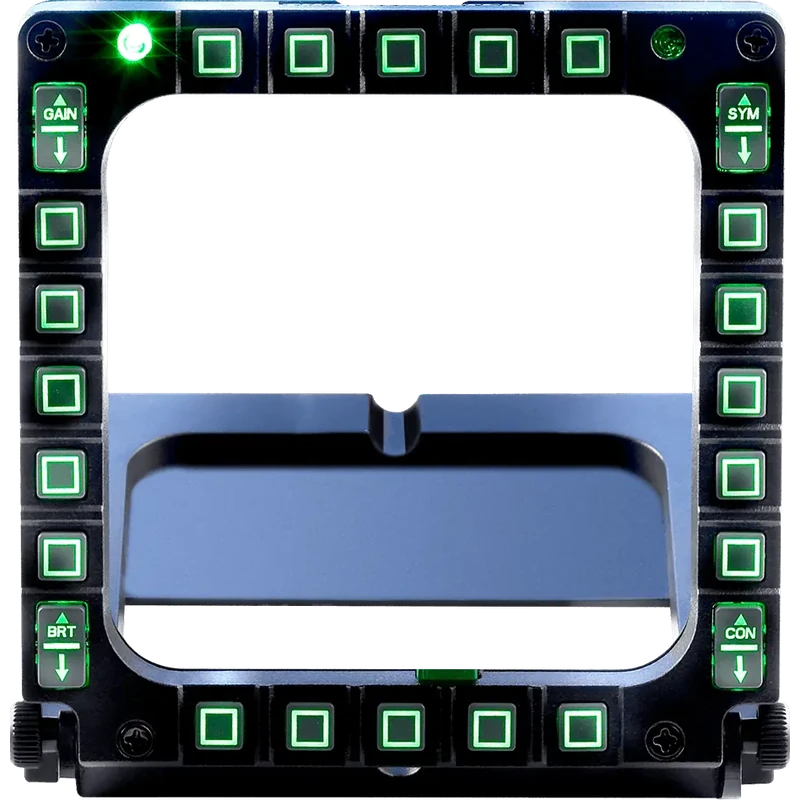
Each MFD offers 20 buttons and 4 switches, for a total of 48 programmable controls across the pack. Button backlighting has adjustable intensity, set either manually or through the software, which keeps the panels readable in a dark room during night missions. Each MFD also has 2 programmable LEDs that help you identify which panel is which while you program them. Two Plexiglas windows per MFD let you insert one of the 3 pre-printed cardboard layouts, which carry presets for Microsoft Flight Simulator X in Generic, Light Aviation and Airliner versions.
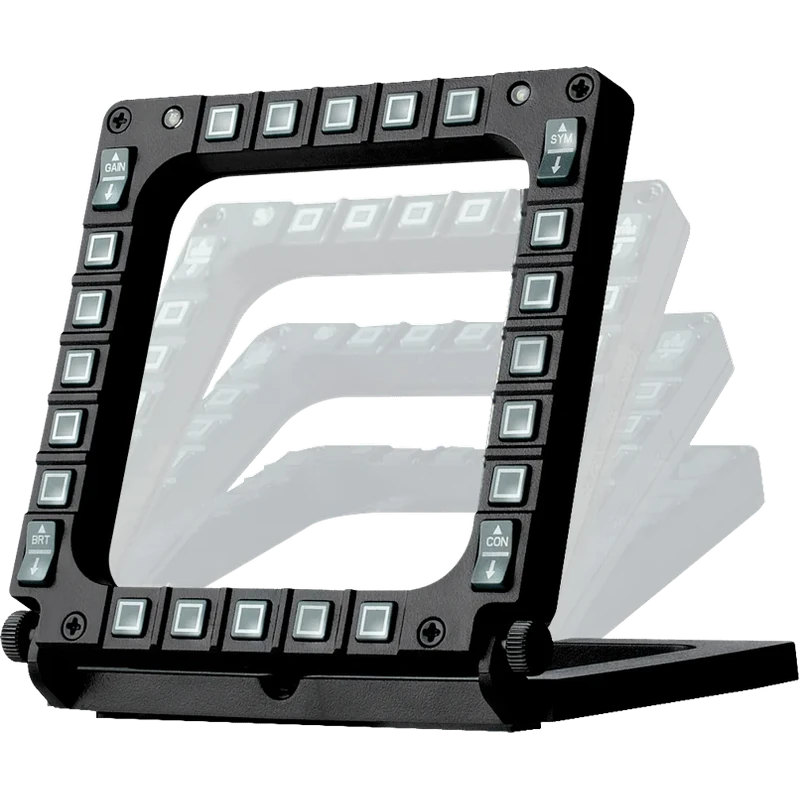
The panels sit on multi-position bases that are weighted and non-slip, so they stay put on a desk at the angle you prefer, and the bases are detachable when you want to integrate the MFDs into a cockpit; Thrustmaster provides a cockpit setup guide for this purpose. The pack ships in a compact gift box measuring 33 x 6.5 x 15 cm and weighs approximately 600 g. Drivers and T.A.R.G.E.T programming support are available from Thrustmaster‘s support website for PC.