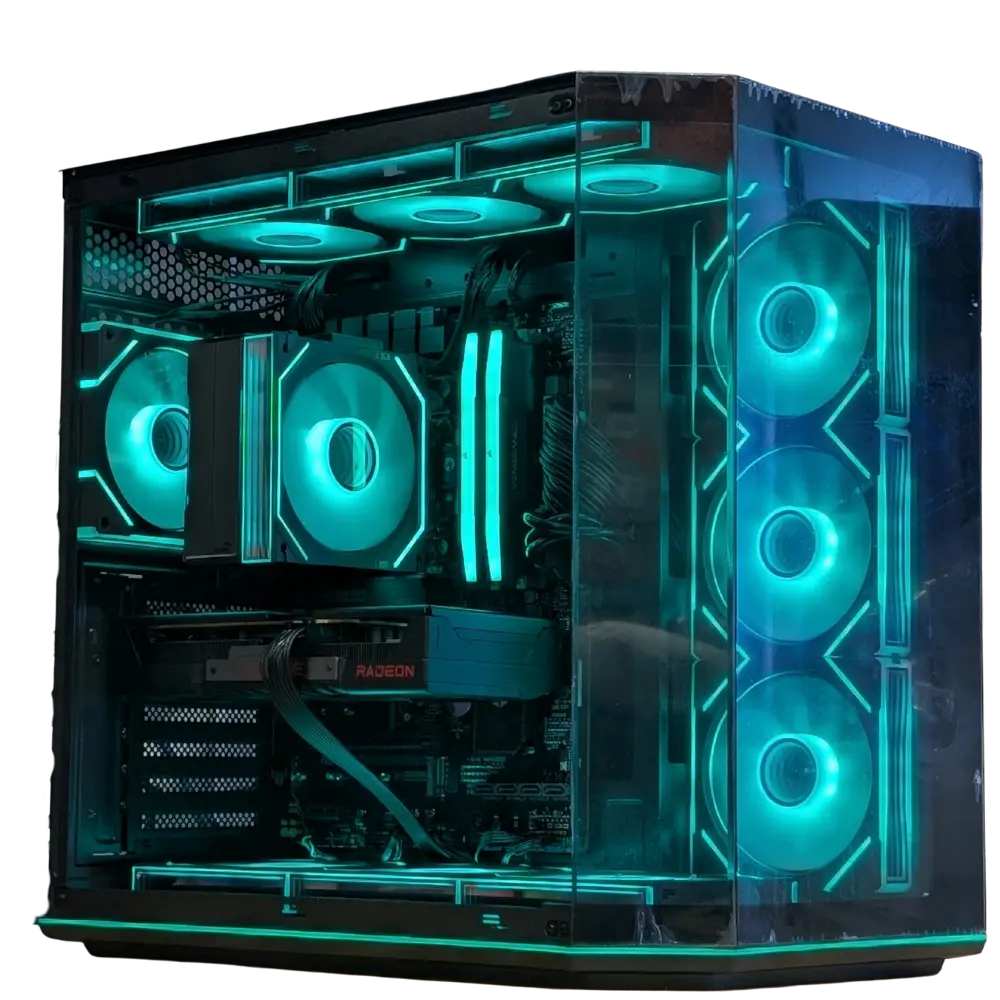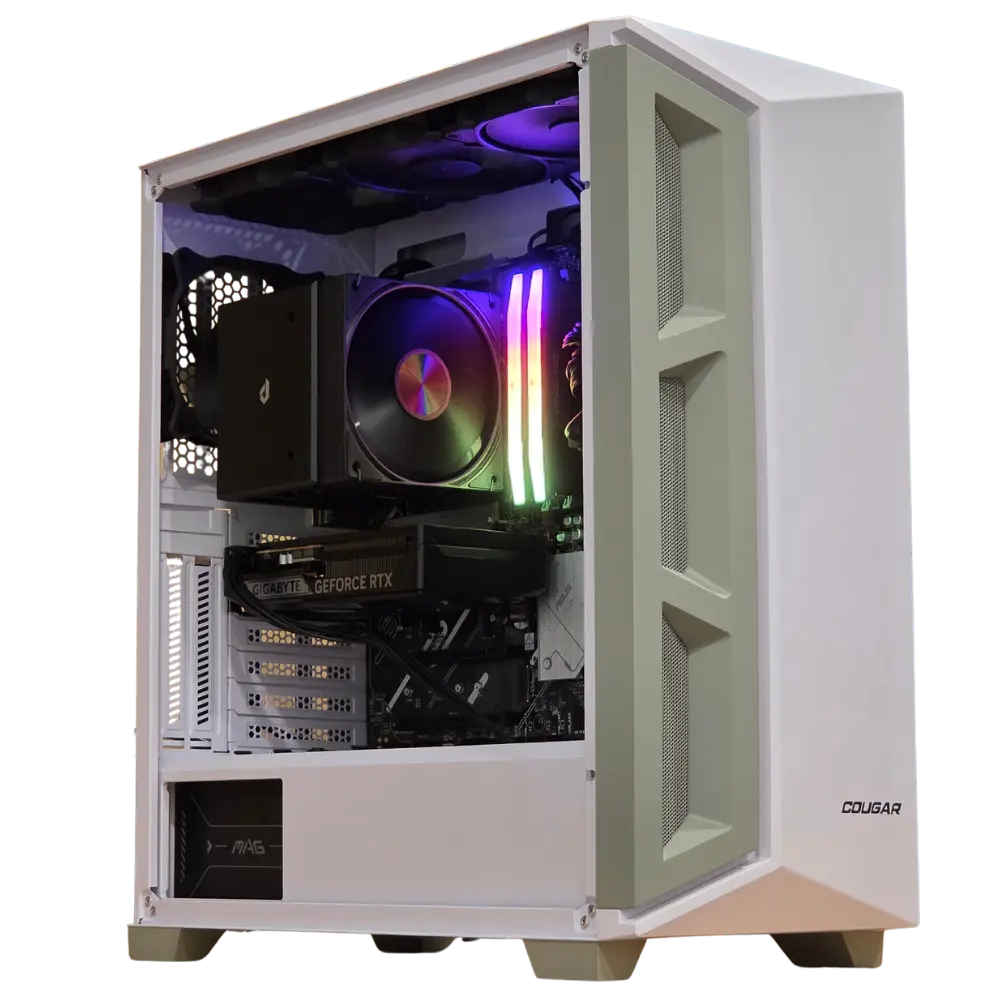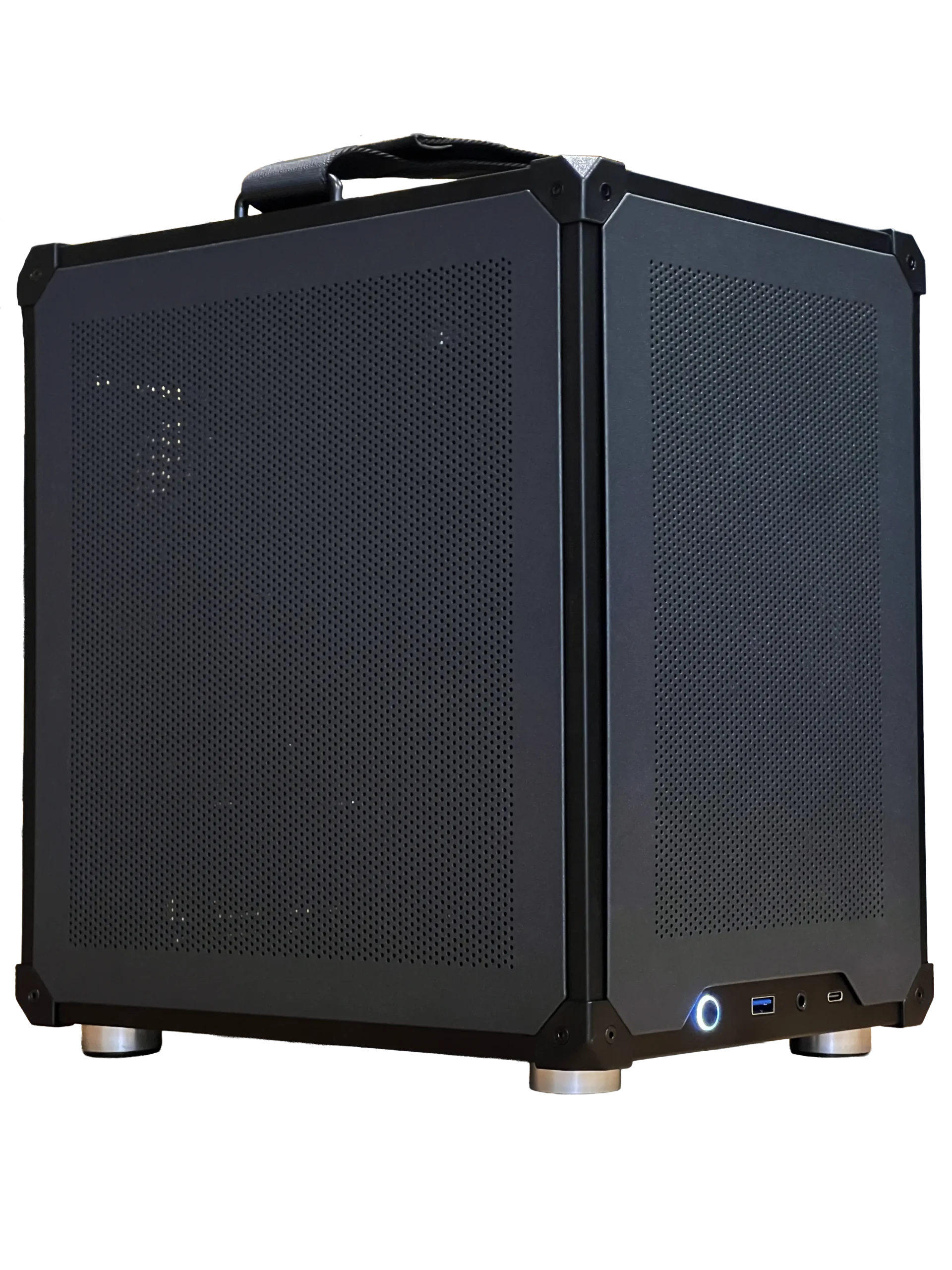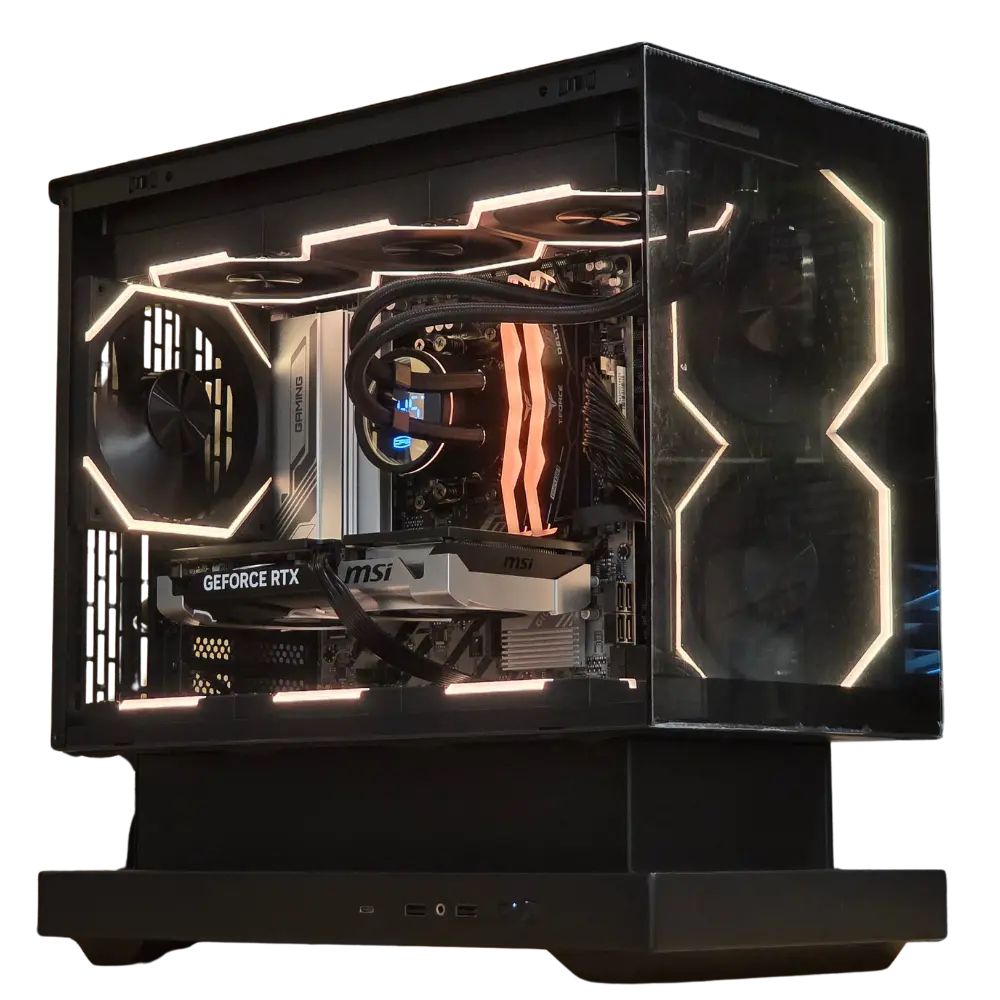
UNITED STATES : FREE Shipping and Duties paid on orders over 200$
NOX Gaming - Home Button
$0.00 0

Cart

No products in the cart.

Workstation Desktop PCs
Built for Real Workloads

Handbuilt in Canada

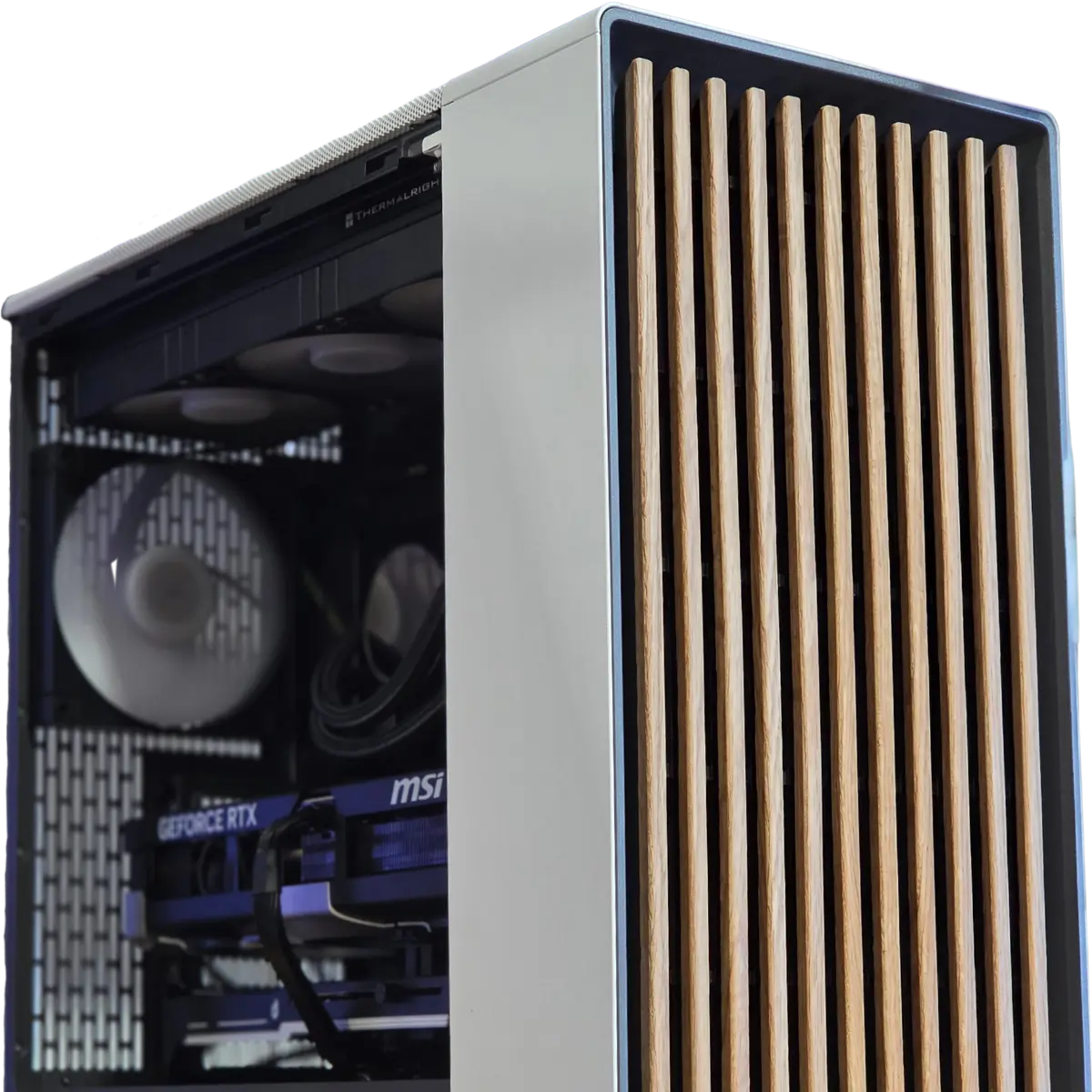
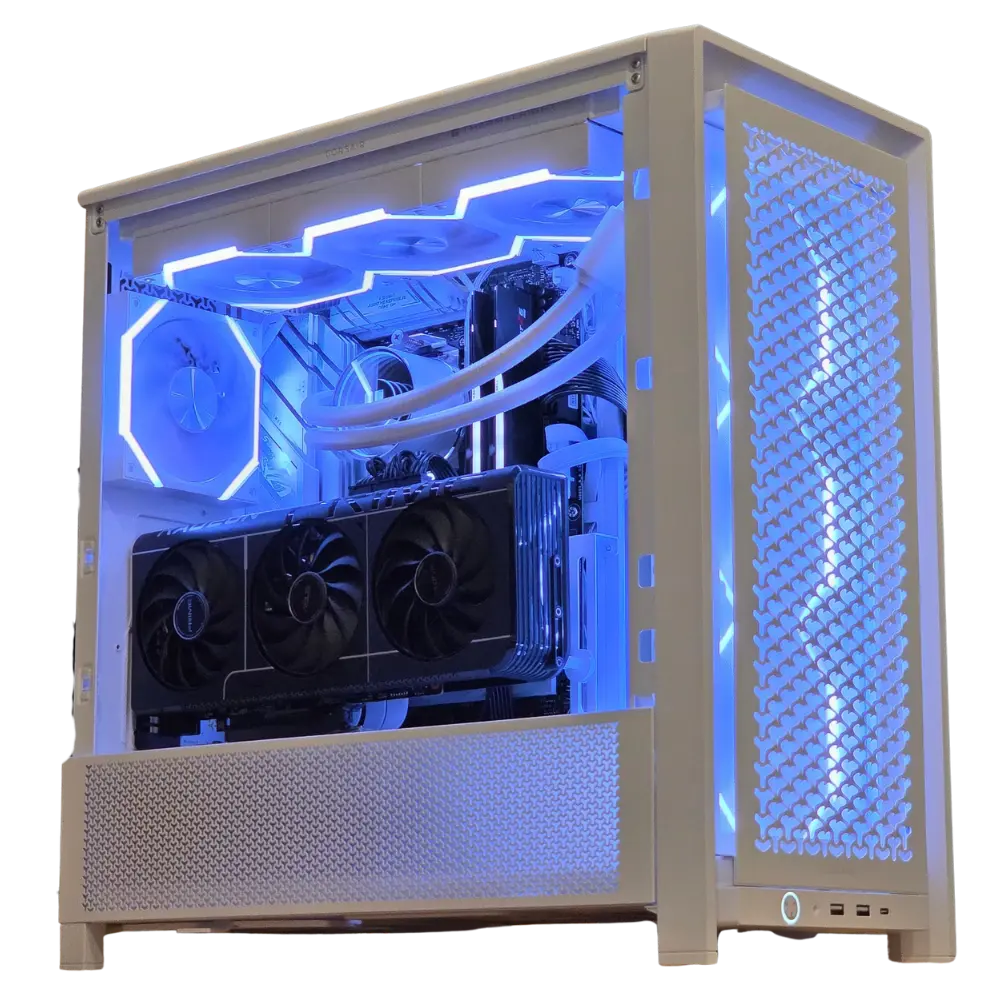
NOX Gaming no RGB Productivity Workstation Desktop PC Fractal North White clean professionnal Pc build
Workstation desktop PC Setup

What is a workstation?

A workstation PC is a computer configured for demanding professional and academic workloads such as CAD, 3D rendering, video editing, and machine learning. NOX Gaming builds custom workstation PCs by hand in Trois-Rivieres, Quebec, backed by a 3-year warranty and shipped anywhere in Canada. Every build is stress-tested before it leaves our shop.

Need more than what the configurator offers?

Featured Preconfigured Workstations

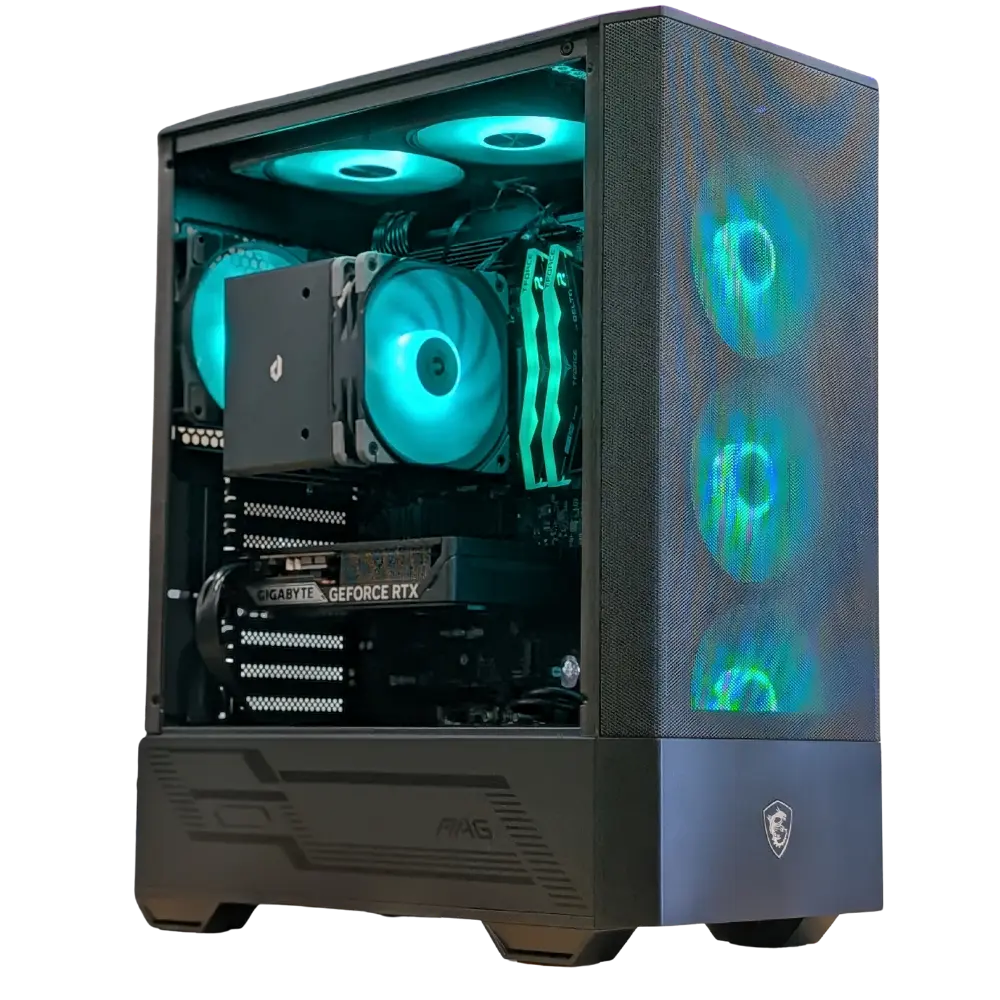
NOX Gaming ATMOS Gaming PC Ryzen 5 7600X NVIDIA GeForce RTX 5060 16GB DDR5 RAM 512GB NVMe SSD

ATMOS

AMD Ryzen 5 7600X
NVIDIA GeForce RTX 5060
16GB DDR5 RAM
512GB NVMe SSD

FLARE

AMD Ryzen 5 7600X3D
NVIDIA GeForce RTX 5060 Ti 16GB
32GB DDR5 RAM
1TB NVMe SSD

QUASAR

AMD Ryzen 7 7800X3D
NVIDIA GeForce RTX 5070 12GB
32GB DDR5 RAM
1TB NVMe SSD

NOVA

AMD Ryzen 7 9800X3D
NVIDIA GeForce RTX 5080 16GB
32GB DDR5 RAM
2TB NVMe SSD
Gaming PCs and workstations share the same DNA, but the priorities differ. A workstation is specced around your software: enough GPU VRAM for your render engine, enough RAM for your assemblies and timelines, and a CPU matched to the way your applications actually scale. Whether you are an engineering student running SolidWorks, an editor working in DaVinci Resolve, or a developer training models locally, we configure the machine around the workload, not the other way around.
AutoCAD performance computer desktop custom Canada and United Stated

Our preconfigured workstations

ATMOS Entry LevelFlare VRAM FocusedQuasar High PerformanceNOVA Flagship
Best forEveryday student work, light CAD, 1080p editingCAD, Adobe suite, VRAM-heavy student workloads3D rendering, 4K editing, ML courseworkHeavy rendering, local AI models, pro workloads
CPUAMD Ryzen 5 7600XAMD Ryzen 5 7600X3DAMD Ryzen 7 7800X3DAMD Ryzen 7 9800X3D
GPUNVIDIA RTX 5060 8GBNVIDIA RTX 5060 Ti 16GBNVIDIA RTX 5070 12GBNVIDIA RTX 5080 16GB
RAM16GB DDR532GB DDR532GB DDR532GB DDR5
Storage512GB NVMe SSD1TB NVMe SSD1TB NVMe SSD2TB NVMe SSD

ATMOS Entry Level

Everyday student work, light CAD, 1080p editing
CPUAMD Ryzen 5 7600X
GPUNVIDIA RTX 5060 8GB
RAM16GB DDR5
Storage512GB NVMe SSD

Flare VRAM Focused

CAD, Adobe suite, VRAM-heavy student workloads
CPUAMD Ryzen 5 7600X3D
GPUNVIDIA RTX 5060 Ti 16GB
RAM32GB DDR5
Storage1TB NVMe SSD

Quasar High Performance

3D rendering, 4K editing, ML coursework
CPUAMD Ryzen 7 7800X3D
GPUNVIDIA RTX 5070 12GB
RAM32GB DDR5
Storage1TB NVMe SSD

NOVA Flagship

Heavy rendering, local AI models, pro workloads
CPUAMD Ryzen 7 9800X3D
GPUNVIDIA RTX 5080 16GB
RAM32GB DDR5
Storage2TB NVMe SSD

Every model is configurable at checkout: upgrade to a more powerful GPU, add RAM, choose a larger power supply, and add extra SSD or HDD storage drives.

All Available Desktop PCs

Don't see the exact specs you need? Most PCs can be upgraded right on their product page.
CPU
GPU
Memory
SSD
Power Supply
Price

IN STOCK – Custom One-Off Gaming PC – Ready to ship | AMD Ryzen 5 7600X | RTX 5060 TI 8GB | 16GB DDR5 60000 CL38 RGB | 1TB NVMe 4.0 SSD

  • AMD Ryzen 5 7600X
  • MSI GeForce RTX 5060 Ti VENTUS 2X OC PLUS 8GB
  • TeamGroup 16GB (2 x 8GB) DDR5 6000MHz CL38 RGB
  • Kingston NV3 1TB NVMe 4.0

$2,209.99

Free Shipping | 3-Year Warranty

IN STOCK – Custom One-Off Gaming PC – Ready to ship | AMD Ryzen 5 9600X | Radeon RX 9070 XT 16GB | 32GB DDR5 60000 CL30 RGB | 1TB NVMe 4.0 SSD

  • AMD Ryzen 5 9600X
  • ASUS PRIME Radeon RX 9070 XT 16GB WHITE
  • Kingston FURY Beast RGB DDR5 6000MHz CL30 (2 x 16GB), Black RGB
  • Kingston NV3 1TB NVMe 4.0

$3,069.99

Free Shipping | 3-Year Warranty

IN STOCK – Custom One-Off Gaming PC – Ready to ship | AMD Ryzen 5 7600X | Radeon RX 9060 XT 16GB | 16GB DDR5 60000 CL38 RGB | 1TB NVMe 4.0 SSD

  • AMD Ryzen 5 7600X
  • ASUS Dual Radeon RX 9060 XT 16GB
  • TeamGroup 16GB (2 x 8GB) DDR5 6000MHz CL38 RGB
  • Kingston NV3 1TB NVMe 4.0

$1,949.99

Free Shipping | 3-Year Warranty
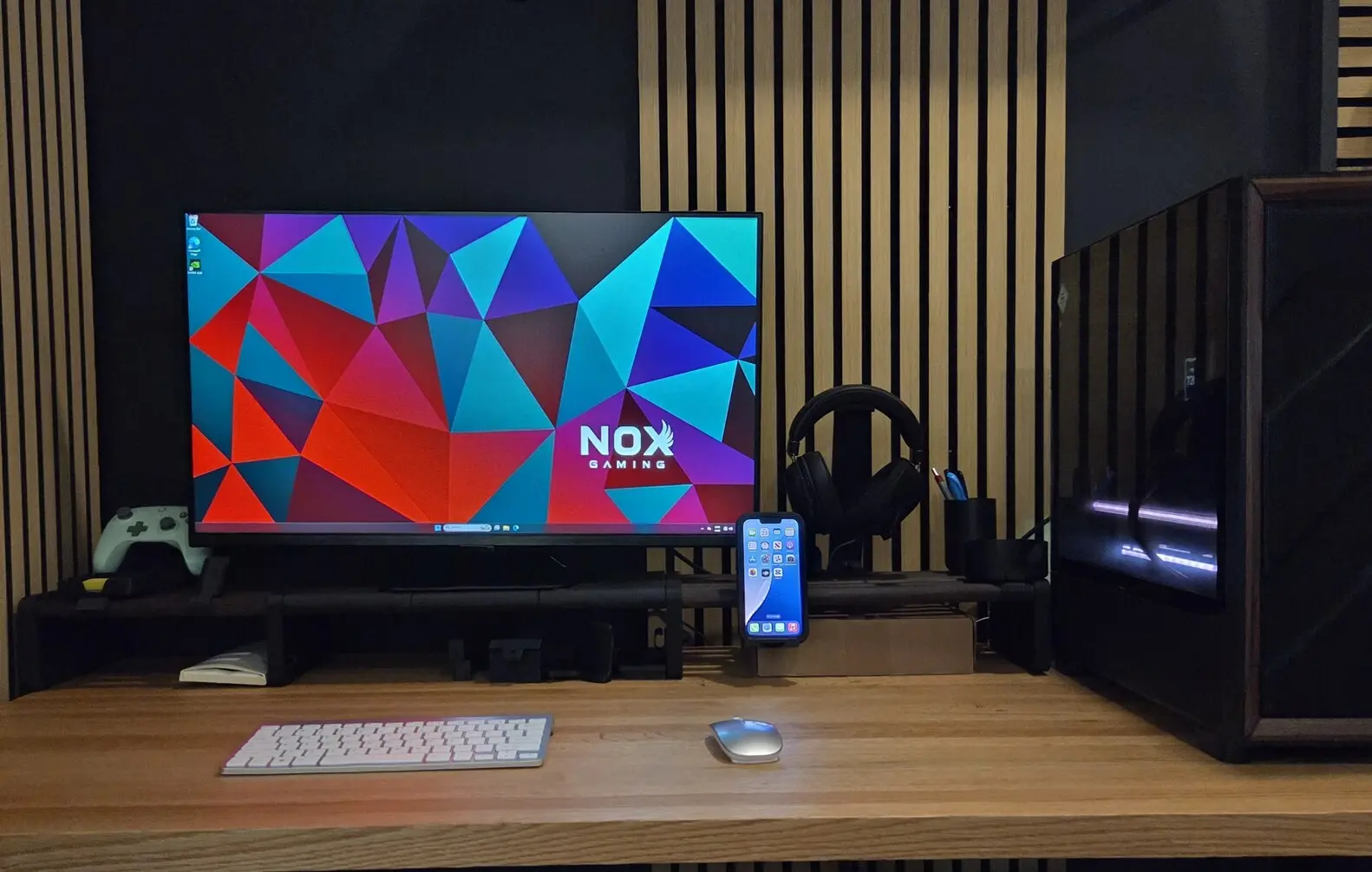
IN STOCK – Custom One-Off Gaming PC – Ready to ship | AMD Ryzen 5 7600X | RTX 5060 8GB | 16GB DDR5 5200 CL40 RGB | 1TB NVMe 4.0 SSD

  • AMD Ryzen 5 7600X
  • MSI GeForce RTX 5060 8G SHADOW 2X OC
  • Team Delta 16GB (2 x 8GB) DDR5 5200 CL40
  • Kingston NV3 1TB 4.0

$1,859.99

Free Shipping | 3-Year Warranty

IN STOCK – Custom One-Off Gaming PC – Ready to ship | AMD Ryzen 5 9600X | RTX 5060 TI 16GB | 16GB DDR5 6000 CL38 RGB | 1TB NVMe 4.0 SSD

  • AMD Ryzen 5 9600X
  • GIGABYTE GeForce RTX 5060 Ti GAMING OC 16G
  • TeamGroup 16GB (2 x 8GB) DDR5 6000MHz CL38 RGB
  • Kingston NV3 1TB NVMe 4.0

$2,259.99

Free Shipping | 3-Year Warranty

IN STOCK – Custom One-Off Gaming PC – Ready to ship | AMD Ryzen 5 9600X | RTX 5070 12GB | 32GB DDR5 CL36 RGB | 1TB NVMe 4.0 SSD

  • AMD Ryzen 5 9600X
  • MSI GeForce RTX 5070 12G VENTUS 3X OC
  • CORSAIR VENGEANCE RGB 32GB (2x16GB) DDR5 6000MHz CL36 RGB
  • Kingston NV3 1TB NVMe PCI-e 4.0

$2,999.99

Free Shipping | 3-Year Warranty
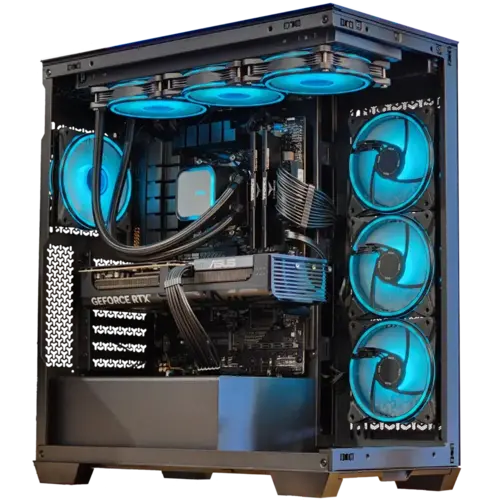
IN STOCK – Custom One-Off Gaming PC – Ready to ship | AMD Ryzen 5 9600X | RTX 5070 12GB | 16GB DDR5 60000 CL38 RGB | 1TB NVMe 4.0 SSD

  • AMD Ryzen 5 9600X
  • ASUS Prime GeForce RTX 5070 OC Edition 12GB
  • TeamGroup 16GB (2 x 8GB) DDR5 6000MHz CL38 RGB
  • Kingston NV3 1TB NVMe 4.0

$2,969.99

Free Shipping | 3-Year Warranty
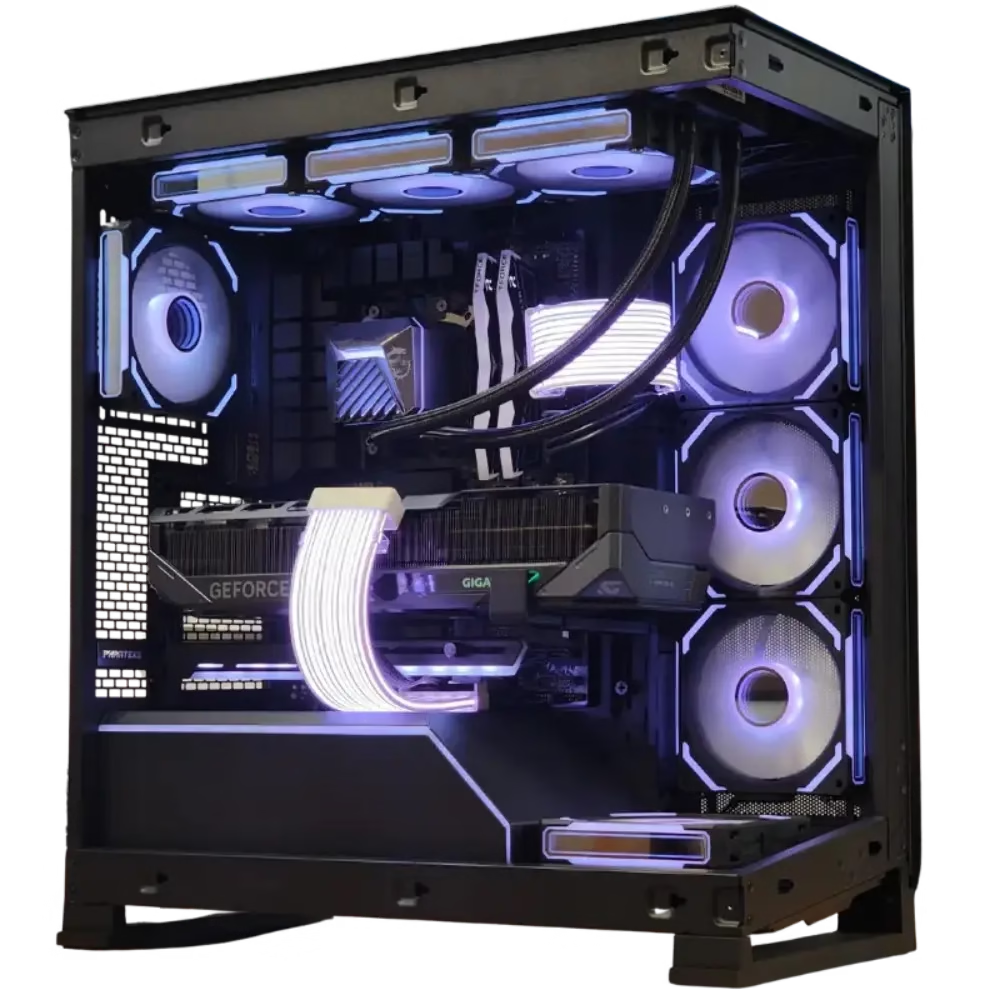
NOX Gaming ATMOS Gaming PC Ryzen 5 7600X NVIDIA GeForce RTX 5060 16GB DDR5 RAM 512GB NVMe SSD

ATMOS

  • AMD Ryzen 5 7600X
  • NVIDIA GeForce RTX 5060 8GB
  • 16GB RGB DDR5 RAM @6000 MHz
  • 512GB NVME SSD Kinsgston NV3

$1,999.99

Free Shipping | 3-Year Warranty
NOVA

  • AMD Ryzen 7 9800X3D
  • NVIDIA GeForce RTX 5080 16GB
  • 32GB DDR5 RGB 6000MHz CL30
  • 2TB NVMe PCIe 5.0 SSD

$5,079.99

Free Shipping | 3-Year Warranty

Run some of the heaviest softwares with little to no lag.

Design Large visual for prints on Illustrator with NOX Gaming Workstation Desktop Computers

Illustrator

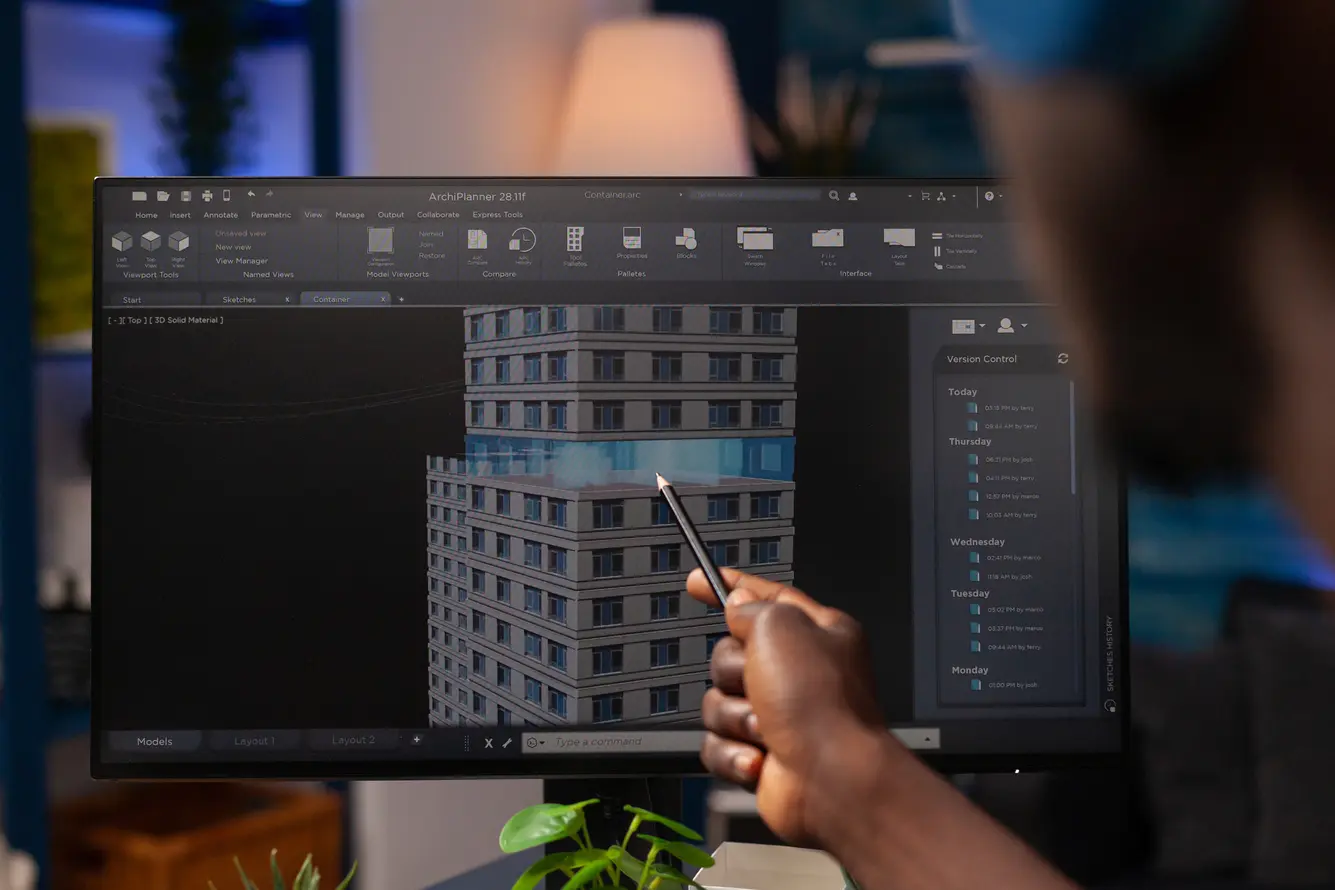
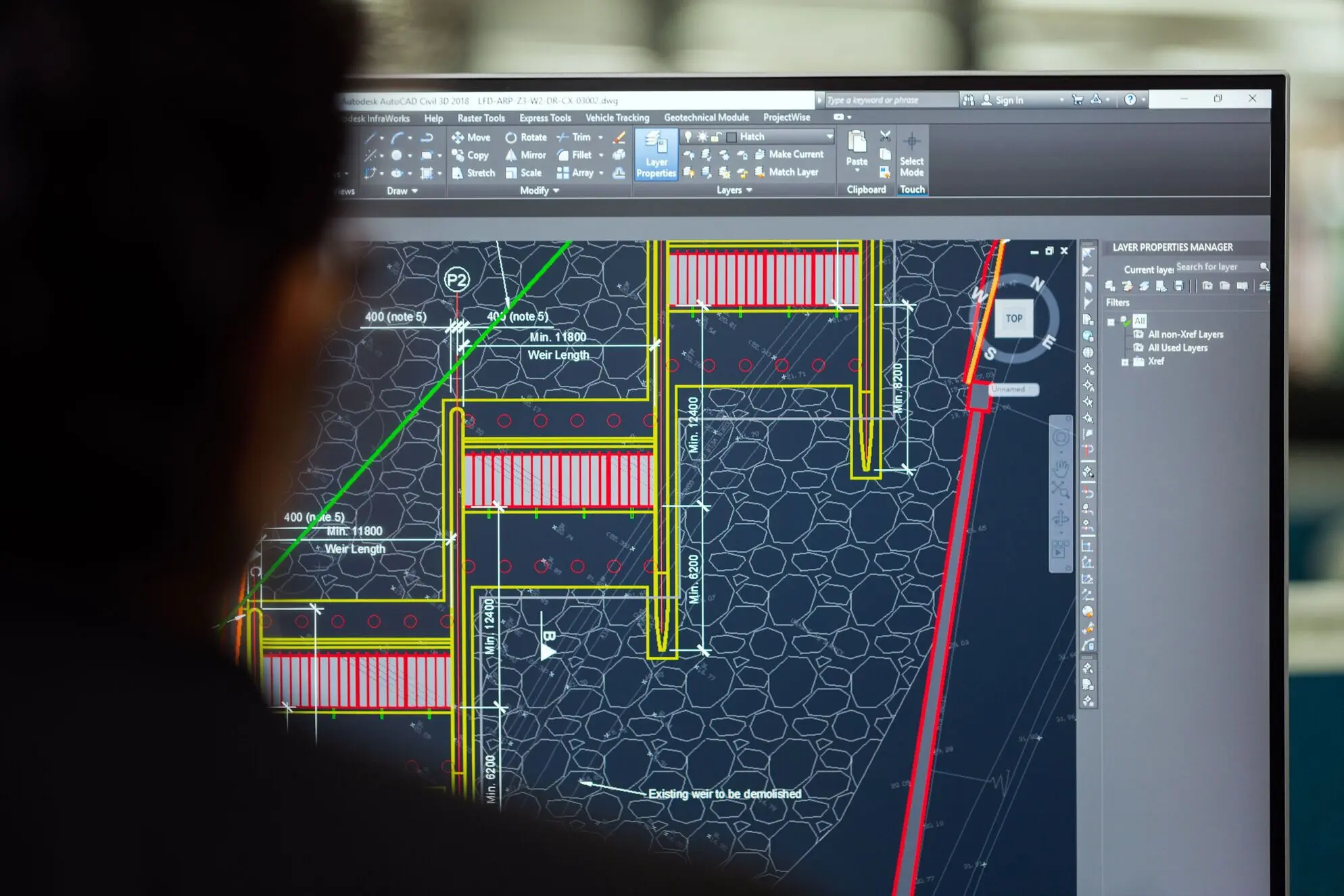
Run large AutoCAD files on NOX Workstation Desktop Computers

AutoCAD

Edit 4K videos on Premiere Pro without lag on NOX Gaming Workstation Desktop Computers

Premiere Pro

Run complex AI Models locally without lag in Ollama with NOX Gaming Desktop Computers

Ollama

Simulate complex scenes and fluids in Ansys without lag with NOX Gaming Workstation Desktop Computers

Ansys

Animate 3D scenes in high resolution on Blender without lag with NOX Gaming's High power Workstation Desktop Computers

Blender

Create games with great graphics without lag on unreal engine with NOX Gaming Desktop Workstations

Unreal Engine

Train complex AI Models fast in PyTorch with NOX Gaming Workstation Desktop Computers

PyTorch

Design entire projects without lag on Autodesk Revit with NOX Gaming Workstation Desktop

Revit

Create 4K video effects on AfterEffects without lag on NOX Gaming Workstation Desktop Computers

After Effects

Run Complex Matlab operations without lag on NOX Gaming Workstation Desktop Computers

Matlab

Train complex AI Models fast in TenserFlow with NOX Gaming Workstation Desktop Computers

TensorFlow

Edit 4K videos on DaVinci Resolve without lag on NOX Gaming Workstation Desktop Computers

DaVinci Resolve

Design Large visual for prints on Photoshop with NOX Gaming Workstation Desktop Computers

Photoshop

Design complete 3D pieces in Lectra MODARIS on NOX Workstation Desktop PCs

Lectra Modaris

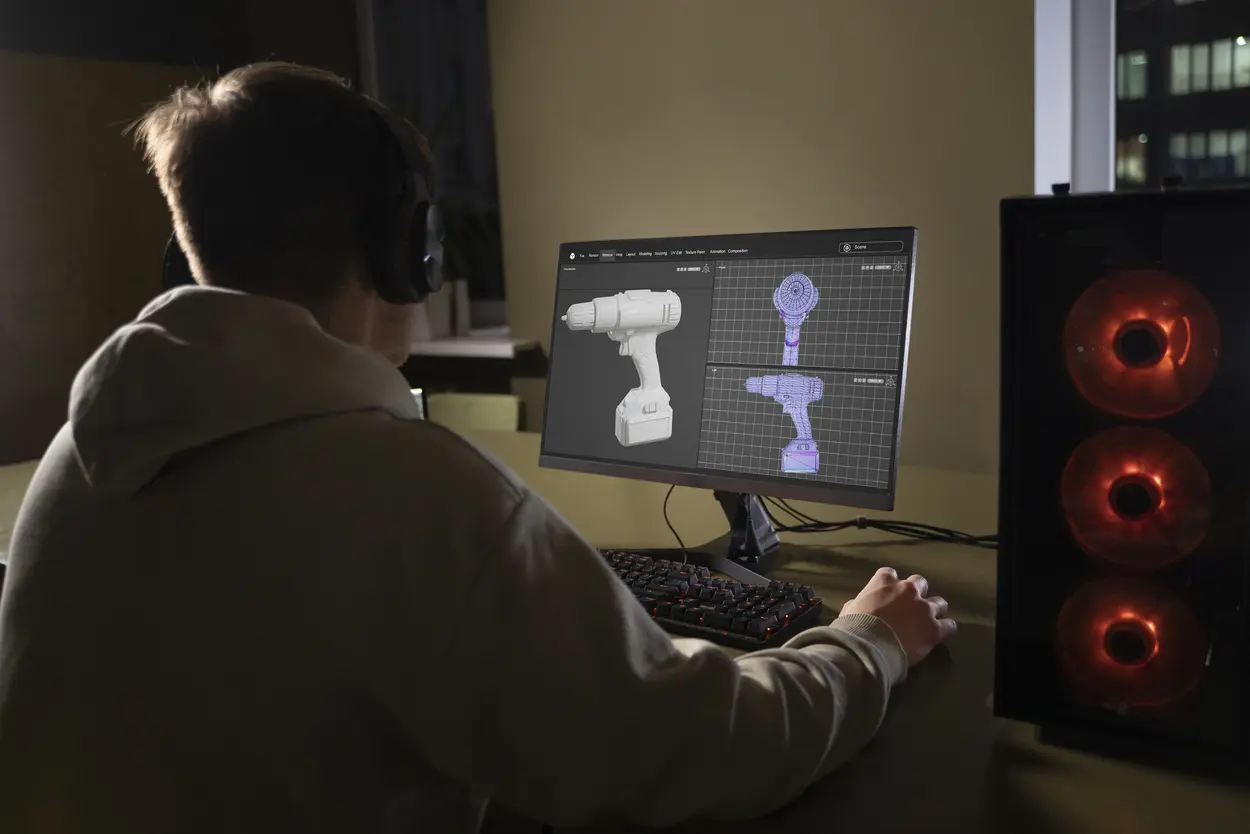
Create complex 3D models in Solidworks without lag with NOX Gaming's Workstation Desktop Computers

SolidWorks

Run Local AI Language Models with LM Studio efficiently thanks to NOX Gaming's Workstation Desktop Computers in Canada and the United States

LM Studio

Run Autodesk Fusion 360 Without lag on NOX Gaming Workstation desktop computers

Fusion 360

Create detailed texture 3D object in ZBrush without lag with NOX Gaming Desktop Workstation Computers

ZBrush

Create expansive worlds and complex characters Without lag on Autodesk Maya on NOX Gaming Workstation desktop computers

Maya

Create 3D Animations without lag on Cinema 4D with NOX Gaming Workstation Desktop Computers

Cinema 4D

Create and Render Complex worlds with Autodesk 3DS Max without lag with NOX Gaming Workstation Desktop Computers

3ds Max

Add unlimited effects in Pro Tools without lagging with NOX Gaming Desktop Workstation Computers

Pro Tools

What PC do you need for CAD and engineering software?

For AutoCAD, SolidWorks, Revit, Fusion 360, and Inventor, prioritize a fast CPU, 32 GB of RAM minimum, and a GPU with at least 8 GB of VRAM, with 16 GB giving comfortable headroom for large models and GPU rendering. Our NOX Flare pairs a Ryzen 5 7600X3D with an RTX 5060 Ti 16 GB and 32 GB of DDR5, and handles full-scale student and professional CAD workloads. Large assemblies and point clouds benefit from upgrading to 64 GB of RAM at checkout.

Recommended specs for CAD

  • CPU Most CAD viewport work is single-threaded, so a high clock speed matters more than a big core count. The Ryzen X3D chips in our Flare, Quasar, and NOVA builds combine strong single-core speed with large cache, which keeps complex models responsive.
  • GPU 8 GB of VRAM handles typical student projects; 16 GB, like the RTX 5060 Ti in the NOX Flare, gives headroom for large models, point clouds, and GPU-accelerated rendering inside your CAD suite.
  • RAM 32 GB minimum, 64 GB for large assemblies, simulation, or BIM workflows in Revit.
  • Storage NVMe SSD as your primary drive; project files load and save dramatically faster than on SATA drives.
Run heavy autocad files easily with nox gaming computers

What PC do you need for video editing and the Adobe suite?

Premiere Pro, After Effects, and DaVinci Resolve scale with GPU power, RAM, and storage speed. For smooth 4K editing, aim for a GPU with 12 GB of VRAM or more, 32 GB of RAM, and high capacity, fast NVMe drives. DaVinci Resolve in particular leans heavily on the GPU for color grading and Fusion effects.
Post-production work computer after effects premiere pro davinci resolve sony vegas

Recommended specs for editing and motion design

  • GPU The RTX 5070 in the NOX Quasar handles 4K timelines comfortably, and NVIDIA's NVENC/NVDEC hardware encoders dramatically speed up exports and make scrubbing H.264 and H.265 footage smooth.
  • RAM 32 GB for 4K editing and 64 GB for heavy After Effects compositions.
  • Storage As video editing usually requires manipulating storage heavy files, the more you can get, the better.

What PC do you need for 3D rendering and animation?

Blender, Maya, 3ds Max, Cinema 4D, and ZBrush each stress the system differently. GPU render engines like Cycles, Redshift, and Octane scale almost linearly with GPU power and need VRAM headroom for large scenes; 16 GB of VRAM is a comfortable target. CPU renderers and simulation workloads reward strong multi-core performance.

Recommended specs for editing and motion design

The NOX NOVA, with its RTX 5080 16 GB and Ryzen 7 9800X3D, is our rendering flagship. For students on a tighter budget, the NOX Flare's RTX 5060 Ti 16 GB offers the same VRAM capacity for large scenes at a lower price point.

Intensive 3D animation on Blender using a NOX Gaming Desktop Workstation custom built for Blender

What PC do you need for machine learning and AI development?

For training neural networks, fine-tuning models, or running large language models locally, GPU VRAM is the single most important spec. 12 GB of VRAM covers coursework and small models; 16 GB lets you work with larger models and higher batch sizes. An NVIDIA GPU is strongly recommended for CUDA support in PyTorch and TensorFlow. Pair it with plenty of RAM for data preprocessing and a fast NVMe drive for datasets.
Run AI locally on NOX Workstation desktop computers in Canada and the United States

Recommended specs for machine learning and AI development

The NOX Quasar (RTX 5070 12 GB) covers machine learning and data science coursework, while the NOX NOVA (RTX 5080 16 GB) gives the VRAM headroom to run and fine-tune larger models locally. Both come with 32 GB of DDR5, upgradable to 64 GB at checkout.

Workstation PC FAQ

How much RAM do I need for AutoCAD?

AutoCAD runs on 16 GB of RAM, but 32 GB is the practical minimum for real project work, and 64 GB is recommended for large assemblies, point clouds, or running AutoCAD alongside other applications. The NOX Flare, Quasar, and NOVA all come with 32 GB standard, upgradable at checkout.

What is the difference between a gaming PC and a workstation?

They share the same components. A workstation is configured with more RAM, more GPU VRAM, and storage optimized for large project files, while a gaming PC prioritizes framerate per dollar. A properly specced machine does both, which is exactly how NOX Gaming configures its workstation builds.

What GPU do I need for machine learning as a student?

An NVIDIA GPU with at least 12 GB of VRAM, like the RTX 5070 in the NOX Quasar, covers most coursework in machine learning and data science, including training small models locally with PyTorch and CUDA. For fine-tuning or running larger language models locally, the 16 GB RTX 5080 in the NOX NOVA gives significantly more headroom.

Can I finance a workstation PC in Canada?

Yes. NOX Gaming offers financing through Affirm and iFinance for qualified customers, including 0% interest promotions on select configurations. You can see your monthly payment estimate directly on each product page before checkout.

Do you ship workstation PCs across Canada?

Yes. NOX Gaming builds every workstation in Trois-Rivieres, Quebec, and ships fully assembled and stress-tested PCs anywhere in Canada. Each machine is packed with internal bracing to protect components in transit and covered by a 3-year warranty.

What computer do I need for engineering school?

Most engineering programs require software like AutoCAD, SolidWorks, or MATLAB. A workstation with a modern 6-core or better CPU, 32 GB of RAM, an NVIDIA GPU with 8 GB or more of VRAM, and an NVMe SSD will carry you through a full degree. NOX Gaming builds student-ready PCs starting at $1,999.99 CAD.

How long does a workstation PC last for professional work?

A well-built workstation typically stays productive for 5 to 7 years. Buying with upgrade headroom, meaning spare RAM slots, a power supply with reserve capacity, and a case with airflow to spare, extends that further. Every NOX build uses standard parts, so upgrades are straightforward.

Is it cheaper to build my own workstation PC?

Self-building can save a few hundred dollars in parts, but a prebuilt from NOX Gaming includes professional assembly, extensive stability testing, a 3-year warranty on the whole system, and support when something goes wrong. For a machine your studies or income depend on, that coverage is usually worth more than the difference.

Why choose NOX Gaming

Free
delivery

Free shipping on all workstation PCs across Canada and the United States.

Reliable
support

Get fast and efficient support for your workstation PC.

Quality Components

With high end and reliable PC components built by industry leaders.

Built by
experts

With in house technicians making sure every PC is built to the highest standards.

No-compromise guarantee

3-year warranty for parts and labour on all new workstation desktop PCs.

Easy financing partnerships

With as low as 0% interest with selected partners for qualified customers*.
*Rates from 0-31.99% APR (subject to provincial regulatory limitations). Payment options through Affirm Canada Holdings Ltd. ("Affirm") are subject to an eligibility check and depend on purchase amount, payment terms, vary by merchant, and may not be available in all provinces/territories. Not all customers will be eligible for 0% APR. Minimum purchase and down payment may be required. For example, an $800 purchase could be 12 monthly payments of $72.21 at 15% APR for total repayment of $866.48 (credit charges of $66.48), or a $200 purchase could be 4 interest-free payments of $50 every 2 weeks. Visit helpcenter.affirm.ca for more information.
In business for over 10 years, NOX Gaming is the Canadian reference for quality Gaming PC builds. Since 2024, it's Sim Racing offering is recognized throughout the country.
[woo_multi_currency]

CONTACT US

+1 (514) 397-1179 Contact an expert
2480 Rue Charbonneau, Trois-Rivières, QC

By appointment only.

All Prices in $CAD

© Copyright 2026 NOX Gaming
Privacy Policy Terms of Service

Reach out